Subtitle Search for YouTube
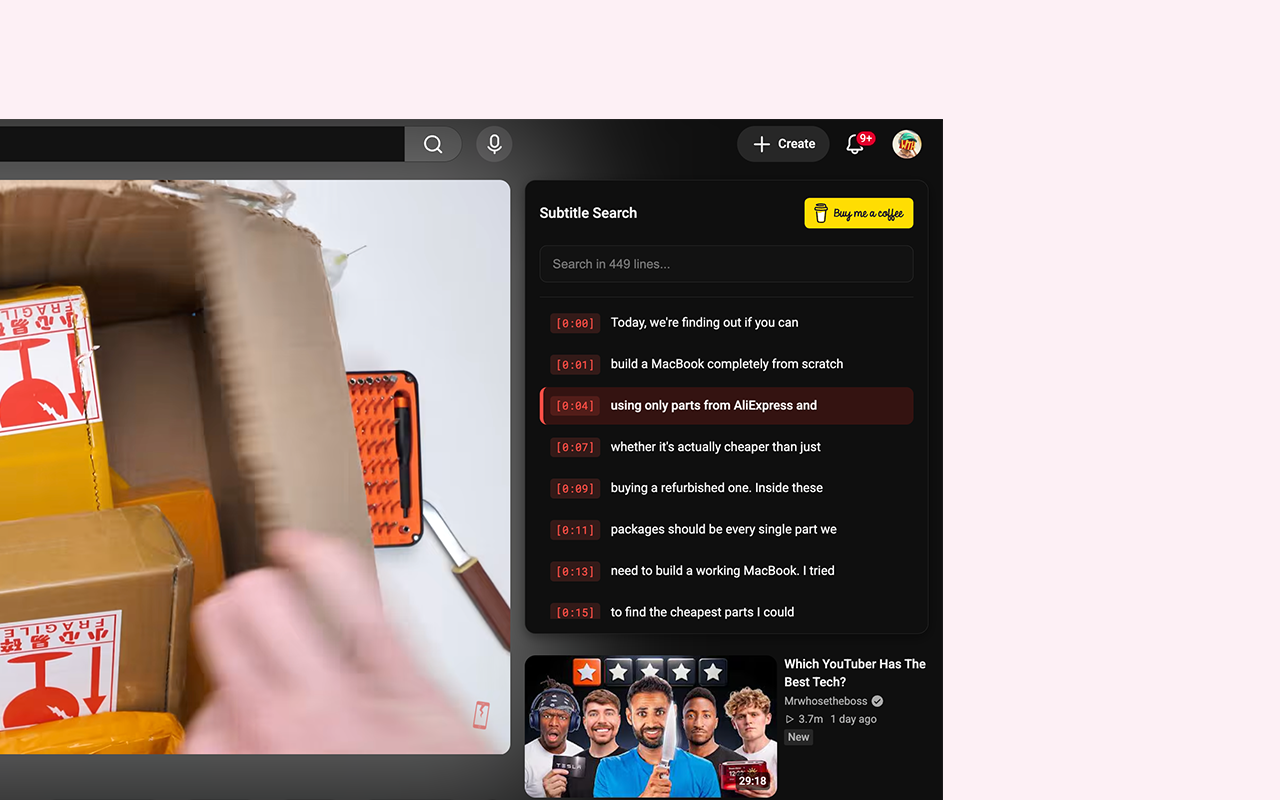
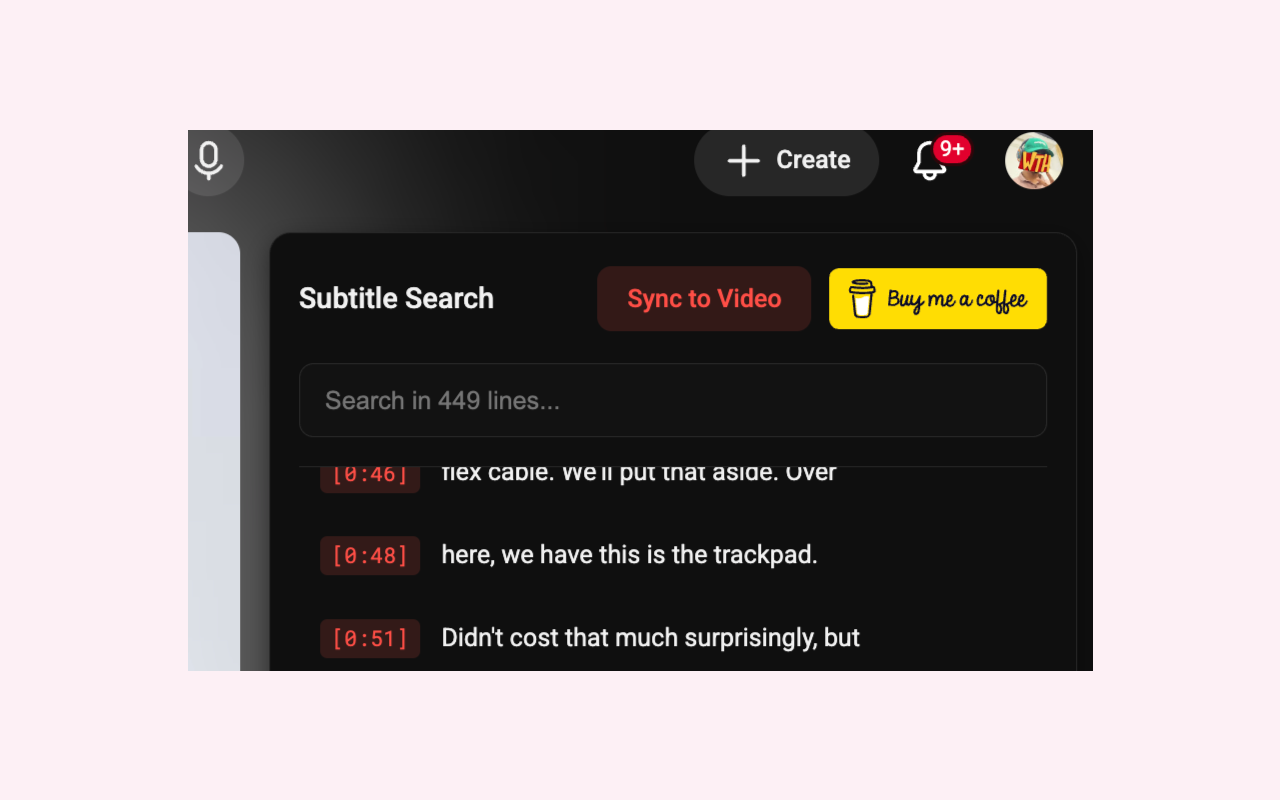
A fast, lightweight Chrome Extension (Manifest V3) that empowers you to instantly search through a YouTube video's subtitles and jump to the exact timestamp of any spoken word.
Features
- Instant Search: Quickly find specific words or phrases in any YouTube video with subtitles.
- Click-to-Seek: Click any search result to instantly jump the video to that exact timestamp.
- Live Sync: Auto-scrolls the subtitle transcript in real-time as the video plays.
- Native Theming: Seamlessly adapts to YouTube's native Light and Dark themes with custom YouTube Red accents.
- Privacy First: 100% local processing. No data collection, no tracking.
Installation (Developer Mode)
- Download or clone this repository to your local machine.
- Open Google Chrome and navigate to
chrome://extensions/.
- Enable "Developer mode" in the top right corner.
- Click "Load unpacked" and select the folder containing this extension.
- Open any YouTube video with subtitles to see the extension in action!
Support
If you find this extension helpful, consider supporting its development!


License
This project is open-source and licensed under the MIT License.